iOS · Lifestyle
DiceFate
Can't decide? Let fate roll.
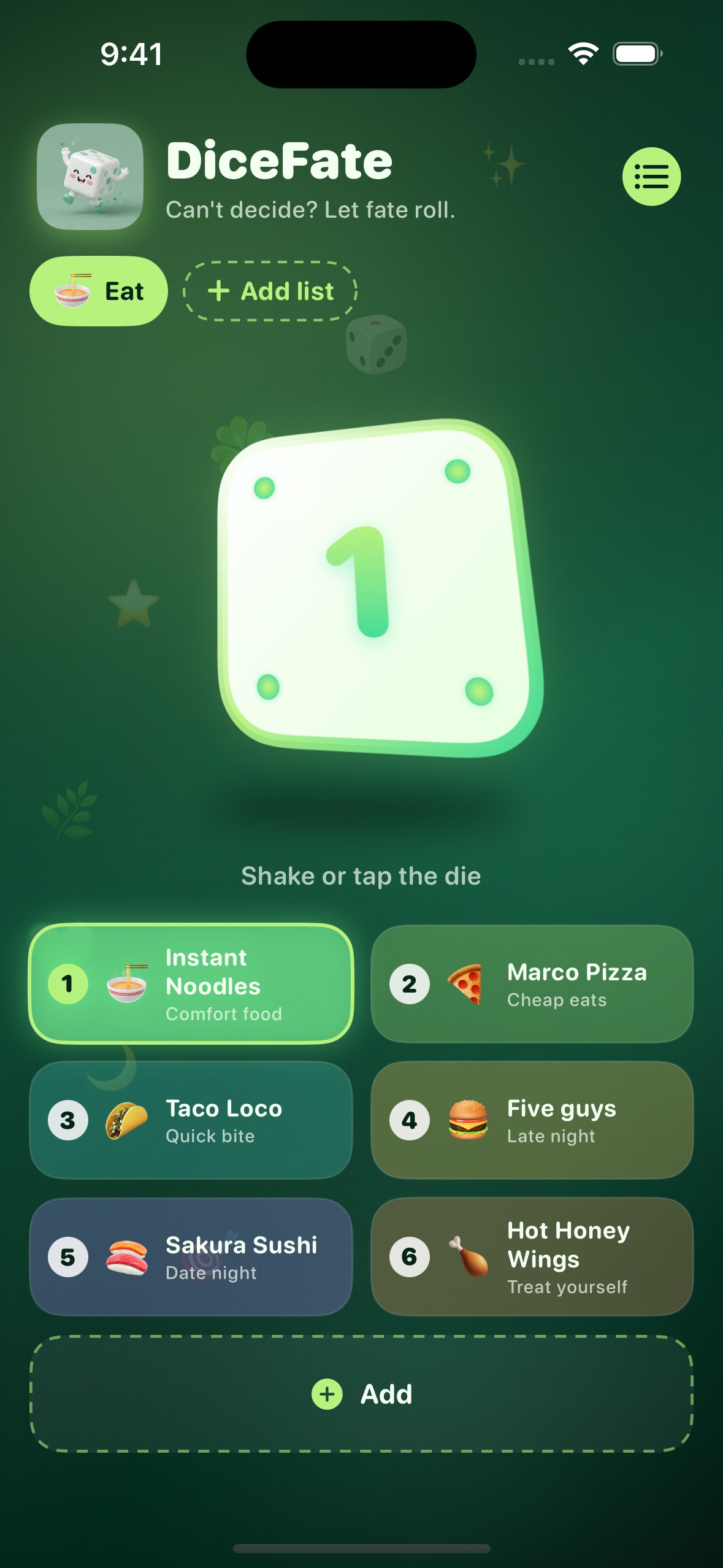
Shake your iPhone or tap the die to pick from lists you make — dinner, a movie, a weekend plan, or anything else. Start with Eat, then add another list of up to 10 for the rest of life.
- Shake or tap the die — no roll button
- Eat list, plus extra lists of 5–10 picks
- Watch, Do, Go, or a custom list you name
- English and Vietnamese


Privacy & Data Use
This is the privacy policy for DiceFate. Last updated August 31, 2026.
- No accounts and no sign-in.
- No tracking, analytics, ads, or crash reports.
- No data is sent to a server. The app works offline.
- Lists and picks you add are stored only on your device.
- Deleting the app removes that stored data.
Questions about DiceFate or this policy: contact Quang Vu.
Support
Need help with DiceFate? Use the contact form.